84/100
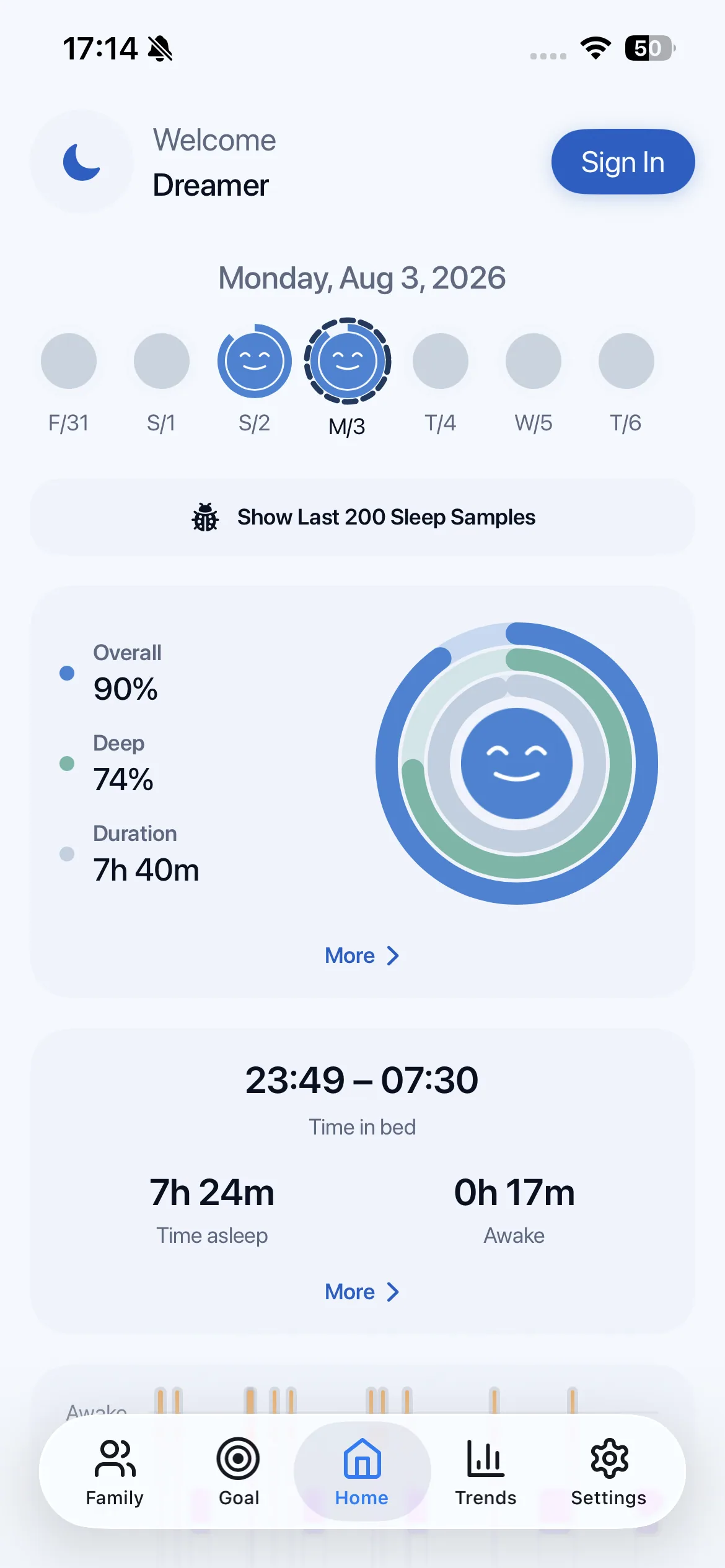
Understand the night you just had.
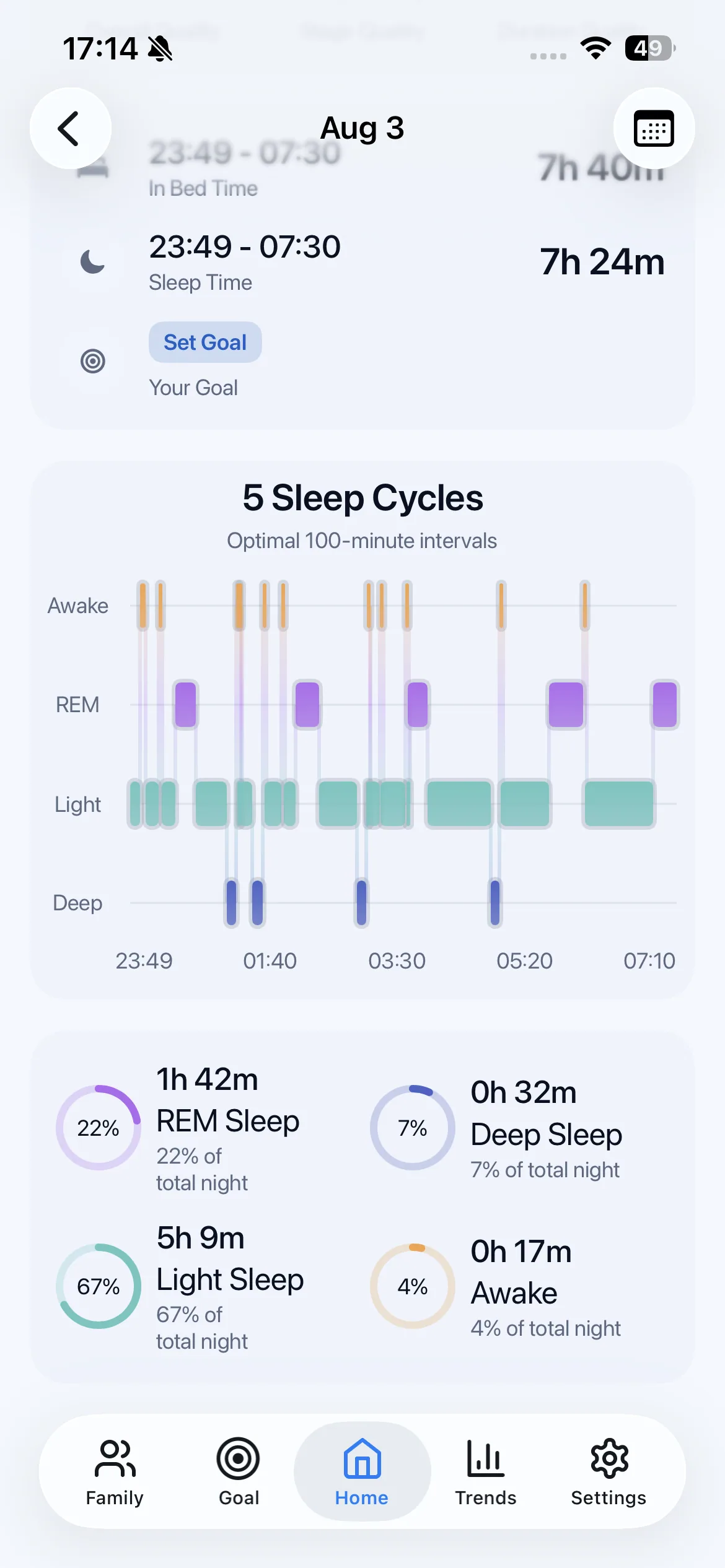
See duration, sleep stages, time in bed, and a clear daily read without digging through a dashboard.
Sleep, understood
KinSleep turns the Apple Health sleep data you authorize into simple daily details, meaningful trends, and supportive goals.
Wellness insight, not medical advice.
A softer way to look closer
KinSleep brings the useful parts forward and gives the rest some breathing room.
See duration, sleep stages, time in bed, and a clear daily read without digging through a dashboard.
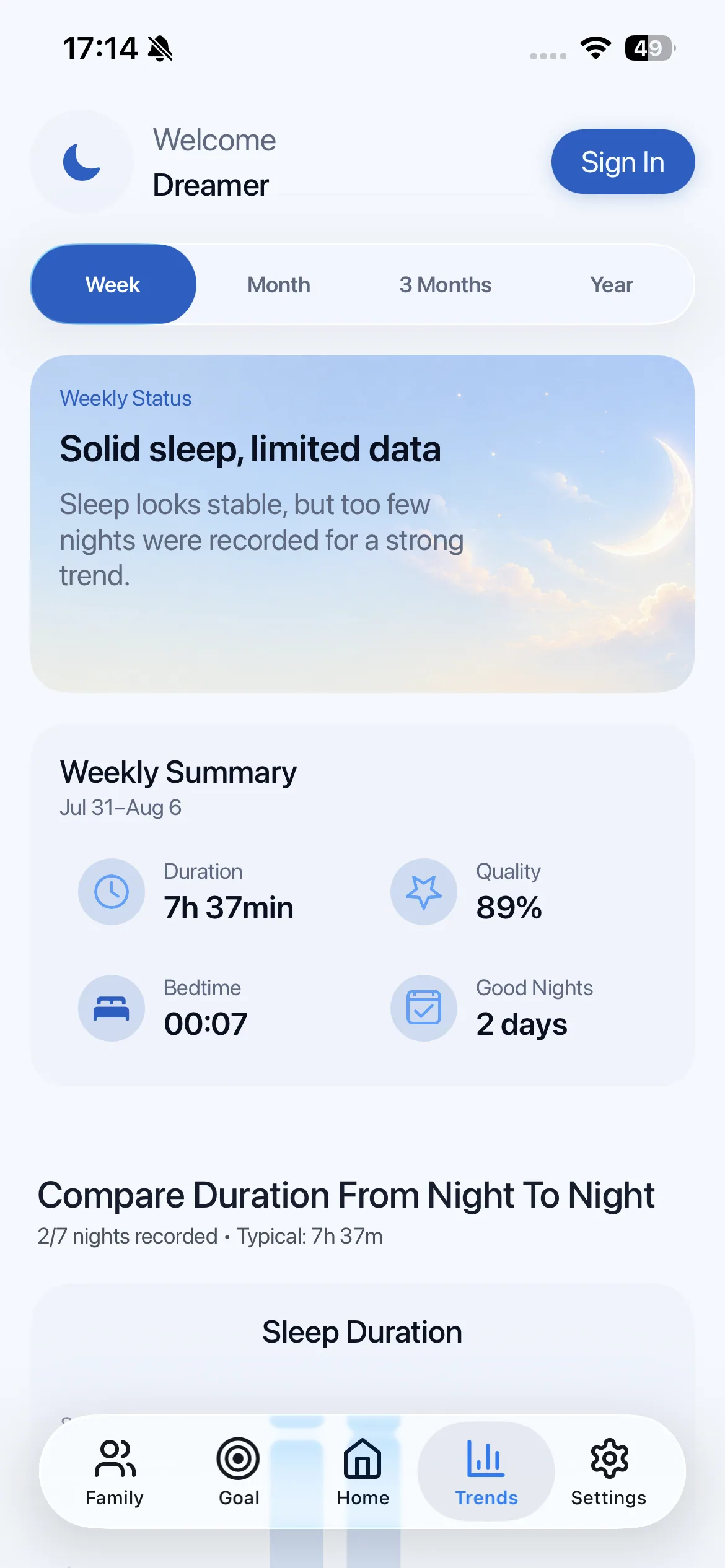
Compare nights across weeks, months, and longer periods so small changes become visible.
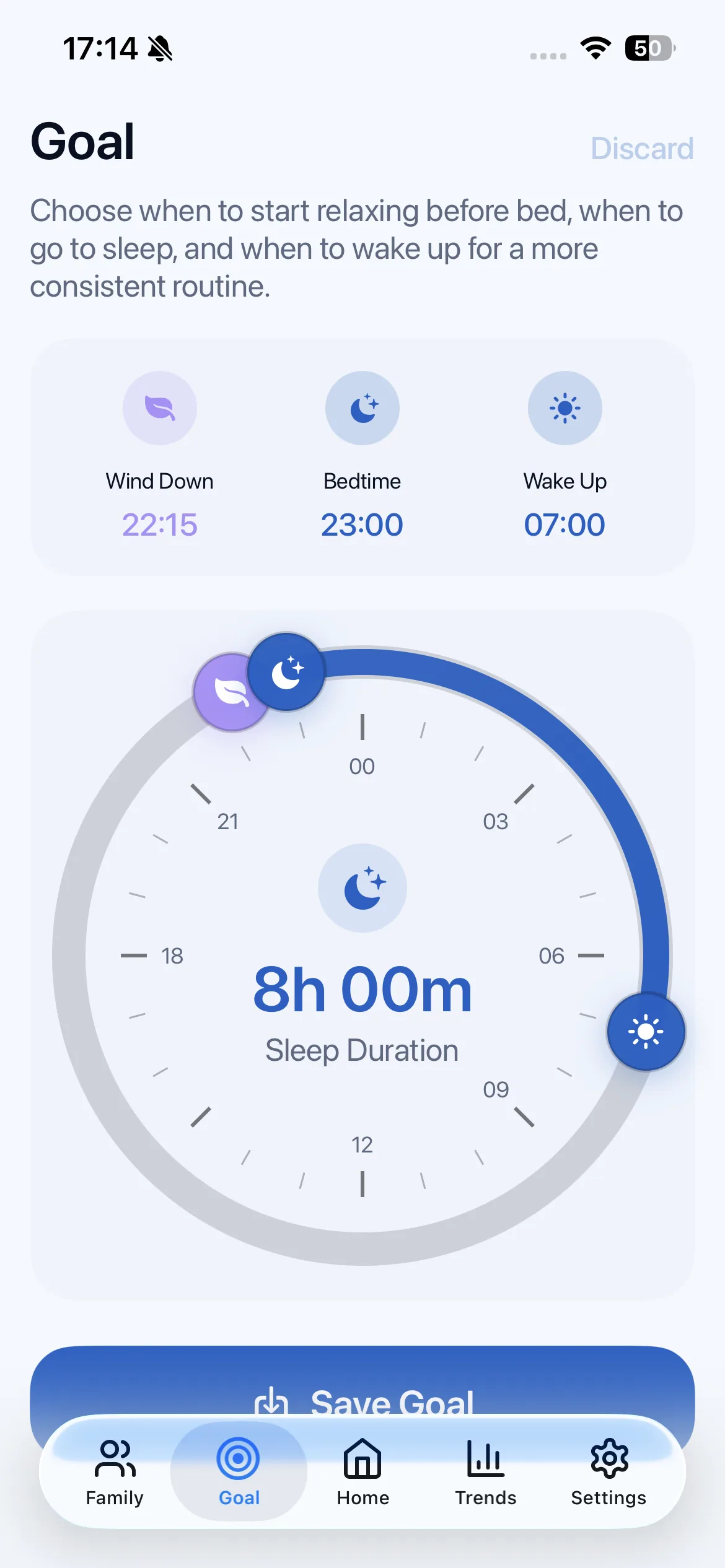
Set supportive wind-down, bedtime, and wake-up goals that keep your attention on progress.
How KinSleep works
Start with the information you already have, then use it to make small, personal changes.
Choose which sleep information KinSleep can use. Your permission stays in your hands.
See a calm summary, detailed sleep stages, and the parts of your night worth noticing.
Use trends and goals to make practical changes without chasing perfection.
A closer look
From a quick morning read to deeper trends, every view keeps your sleep understandable.
Private by design
KinSleep is built around a simple boundary: use the data you authorize to make your sleep insights useful, and keep those insights personal.
Questions, answered
Here are the questions people often have before connecting a sleep app to Apple Health.
KinSleep uses the sleep information you authorize to show daily sleep details, trends, and goals.
KinSleep is designed to work with sleep information available through Apple Health. The exact data available depends on your connected Apple devices and apps.
No. KinSleep is a wellness app that helps you understand patterns. It does not diagnose, treat, or prevent disease.
Yes. You can review or change KinSleep’s Apple Health permissions in Apple Health at any time.
KinSleep is designed around your permission choices. Read the Privacy Policy for the current explanation of data use, sharing, retention, and your choices.
Start with one night
KinSleep is coming to the App Store. This preview uses a mock link until the official listing is available.
Need a hand?
Questions about Apple Health, setup, your account, or the way KinSleep works? We’re here.